Hub
ComfyUI 工作流
用由 AI 模型驱动的多步骤工作流,把你的想法变成完成的作品。
全部工作流 24
- LTX-2.3
Turn an image into a video
视频 - MiniMax H3
Create a video from references
视频 - LTX-2.3
Add camera motion first last frame
视频 - Seedance 2.5
Change a video’s background
视频 - LTX-2.3
Remove an object from a video
视频 - LTX-2.3
Expand a video’s frame
视频 - Wan Animate
Copy movement from a video
视频 - LTX-2.3
Make your character talk
视频 - SCAIL-2
Replace a character in a video
视频 - Wan2.1 InfiniteTalk
Make your character sing
视频 - LTX-2.3
Animate a scene from a reference sheet
视频 - Nano Banana Pro
Create a character turnaround
图像 - Qwen-Image-Edit
Change a material
图像 - Qwen-Image-Edit
See your subject from a new angle
图像 - Flux.2 Dev, Flux
Create a product mockup
图像 - Nano Banana Pro
Try an outfit on a character
图像 - Seedream
Put your product in a new scene
图像 - Seedream, MiniMax
Turn a product photo into a video
视频 - SeedVR2
Upscale and restore detail
图像 - SeedVR2
Upscale a video
视频 - Nano Banana Pro
Sharpen a product photo
图像 - Topaz
Upscale an illustration
图像 - HitPaw
Restore portrait detail
图像 - LTX-2.3
Restore archival footage
视频
此分页链接已失效。现显示当前结果的第一页。
Grok Imagine in ComfyUI
Comfy is the AI creation engine for visual professionals who demand control over every model, every parameter, and every output.
Try Grok Imagine NowGrok Image and Video Creations
Explore Workflows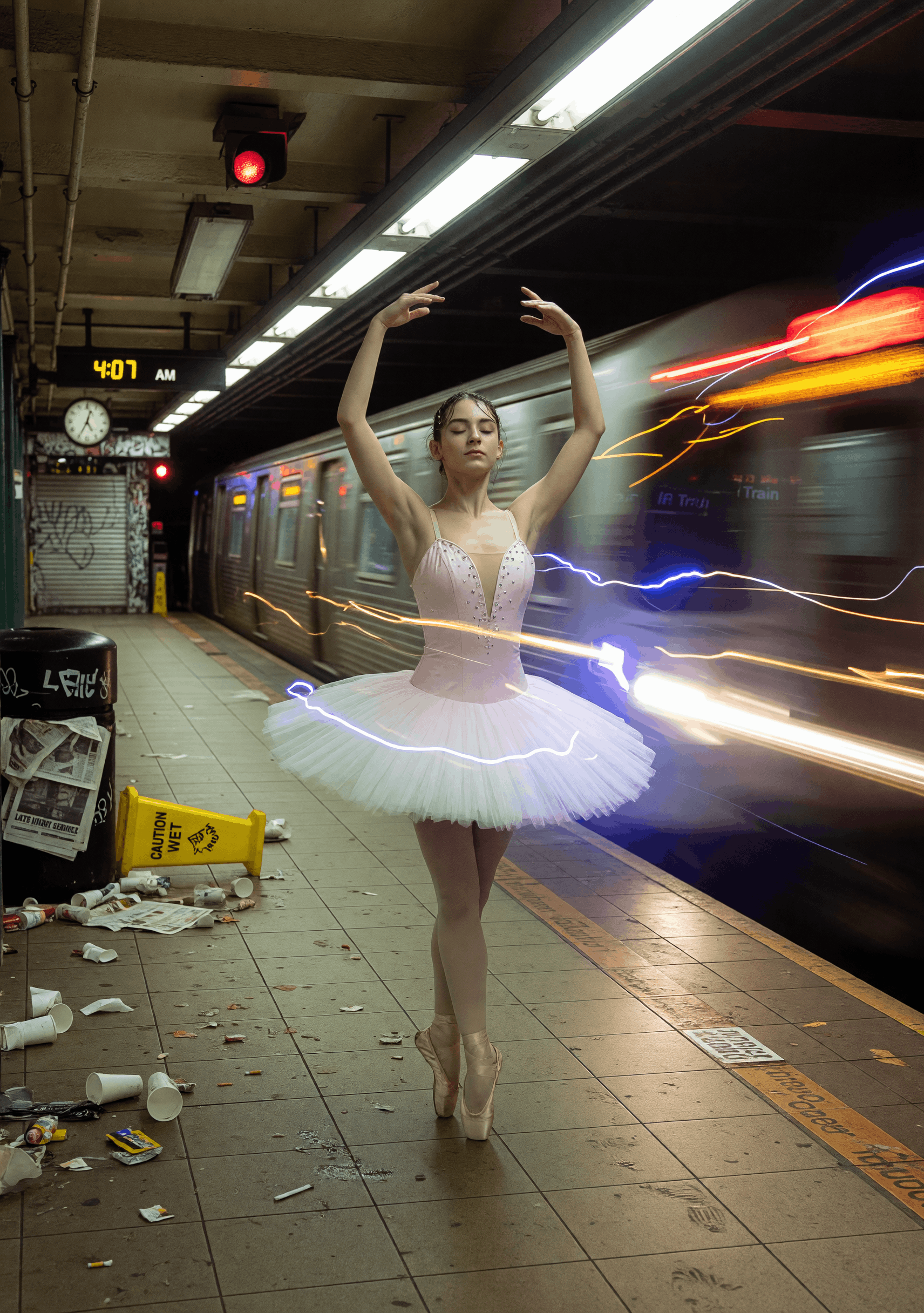
Subway Swan
ByPurz BeatsandComfyteam usingGrok Imagine
Milos Little Wonder
ByPurz BeatsandComfyteam usingGrok Imagine

Amber Passage
ByPurz BeatsandComfyteam usingGrok Imagine
Neon Revenant
ByEric SolorioandComfyteam usingGrok Imagine
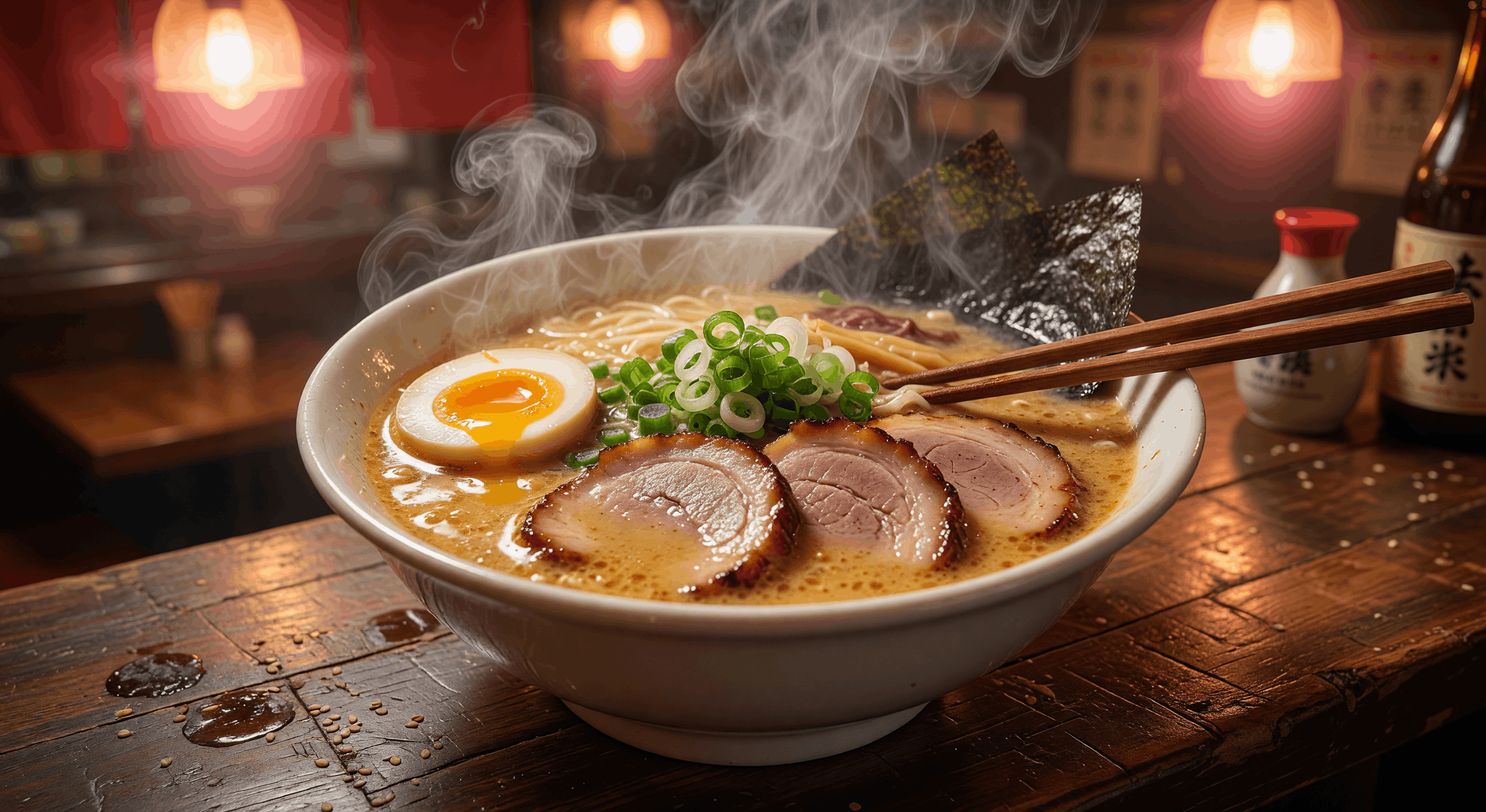
Midnight Umami
ByPurz BeatsandComfyteam usingGrok Imagine


 WORKS

Connect models, processing steps, and outputs on a canvas where every decision is visible and every step is inspectable.
Start from a community template or build from scratch.


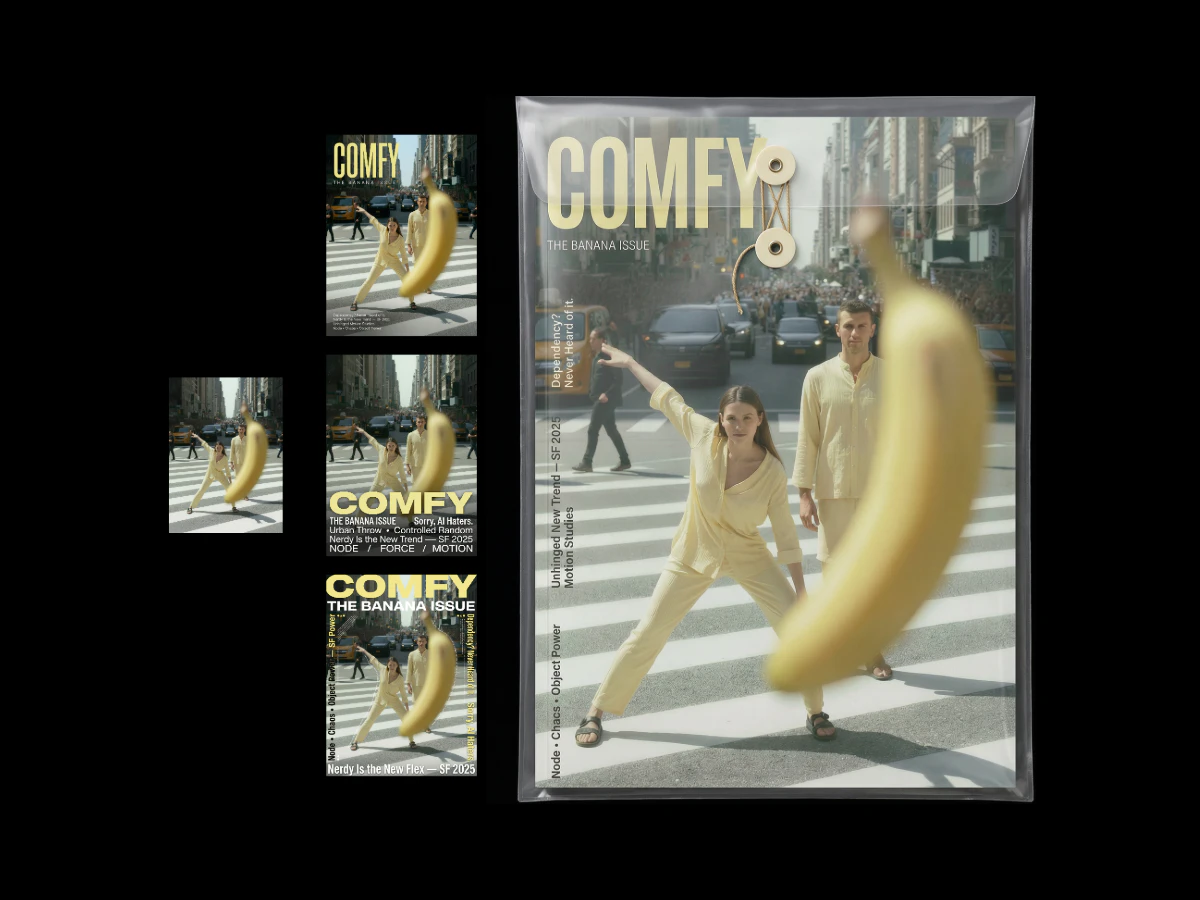

什么是 ComfyUI 工作流?
ComfyUI 工作流是由节点组成的图,它把 AI 模型、提示词和设置连接成一个完整的流程。本页的每个工作流都会把一个输入(例如文本提示词或图像)变成完成的作品。打开一个工作流,查看它的步骤和使用的模型,然后在浏览器中运行它。